Vizalia integrates
where your teams already work
Full integration with your customer service tools, telephony and information systems. For your customer, nothing to install: a simple link received by SMS on their smartphone, with no app or account.
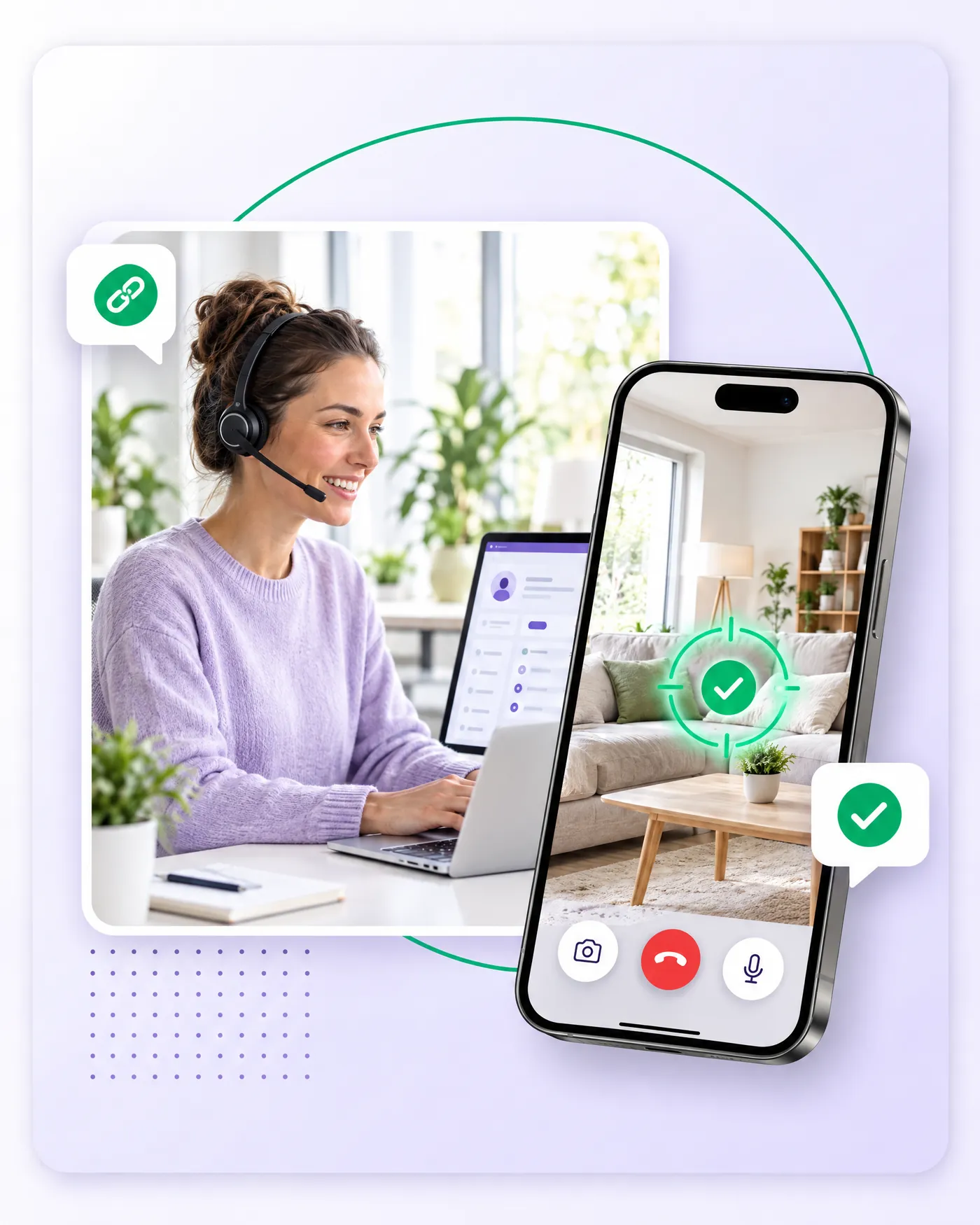
For your adviser: a web browser. For your customer: a smartphone. In between: a text message.
Adviser
SMS
Client
98 %
of customers accept the link, compared with 5% for a video conference invitation
See without being seen
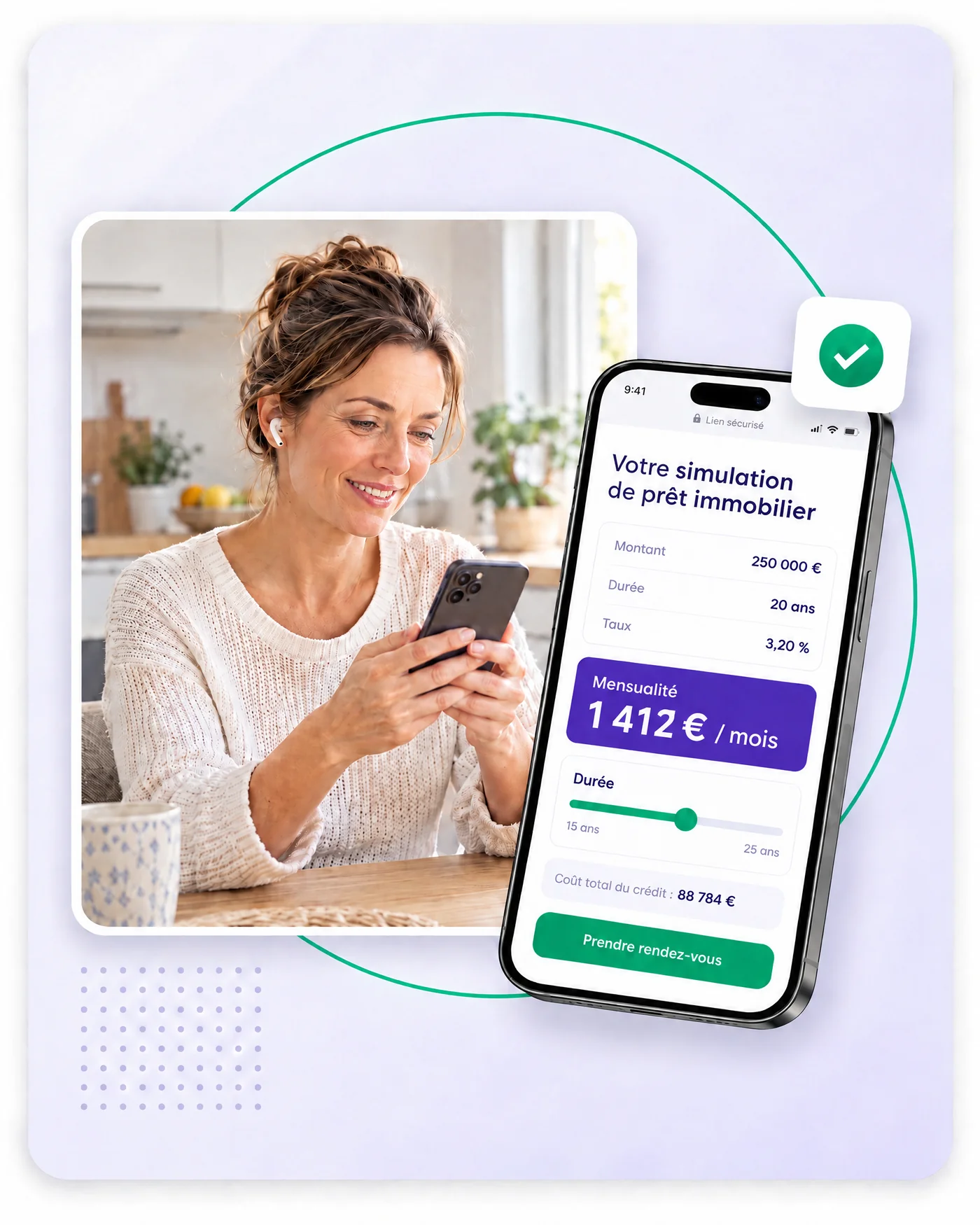
The customer sees the content shared by the adviser: a photo, document, simulation or offer. The customer never has to show themselves: they see what the adviser shares, or film the object concerned, never their face.
They do not install an app. This makes the link easier to accept during the call, where a video conference invitation can feel intimidating.
In your tools
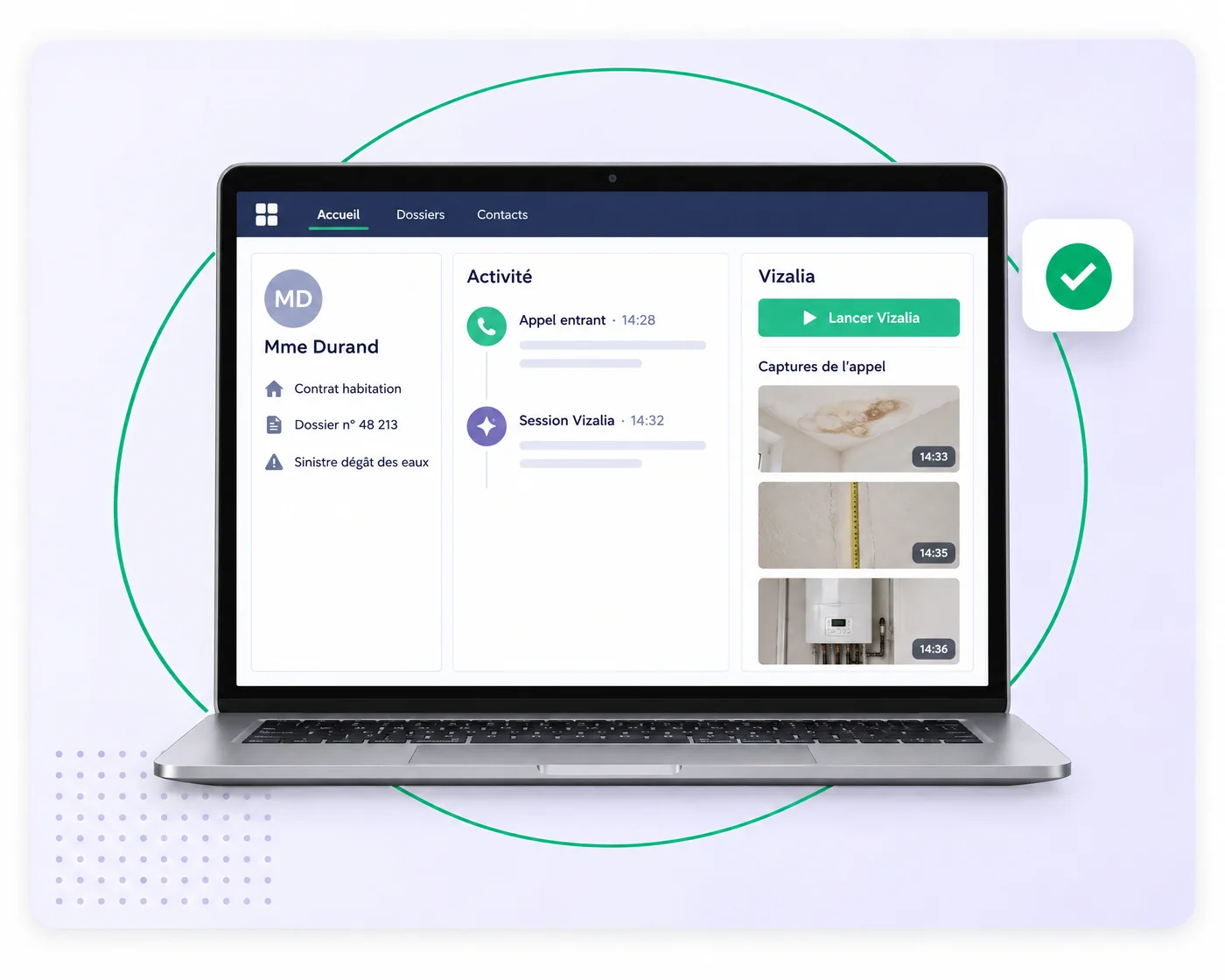
Vizalia launches from the tool your adviser already uses. They keep their usual workflow and customer context.
Aircall
The adviser dials the number as usual in Aircall, then clicks “Join”. The number is already filled in within Vizalia. The customer receives a link by SMS. Captures and annotations are saved in Aircall notes.
Set up Vizalia in AircallCall in progress
06 •• •• •• ••
JoinCall notes
Attached capture
Salesforce
The adviser launches Vizalia from the customer record. Captures and reports are attached to the record, keeping the context of each interaction.
Contact centre, telephony and CRM
- Zendesk
- NICE
- Vocalcom
- Kiamo
- Ringover
- Powerphone
Your tool? API & CTI
We plan integration with your teams.
Start without waiting for integration
The pilot can start without any integration with your IT systems: the adviser simply uses a browser. Integration with your tools takes place during or after the pilot.
< 15 days
Operational pilot
45 min
Of training
0
Customer-side installation
If an adviser can send a text message, they can use Vizalia
In your information systems
Single sign-on (SSO)
Your teams sign in with their company identity.
Automatic account management (SCIM)
Account management integrates with your directory.
Granular roles
Access is tailored to each person's responsibilities.
Audit logs
You keep a record of actions for your reviews.
API, CRM & CTI
Vizalia integrates with your CRM, telephony and processes through APIs and CTI.
Dedicated environment available
A dedicated environment can be arranged to meet your requirements.
A supported rollout
- 1
Scoping
We define your use cases, the teams involved and success metrics.
- 2
Turnkey pilot
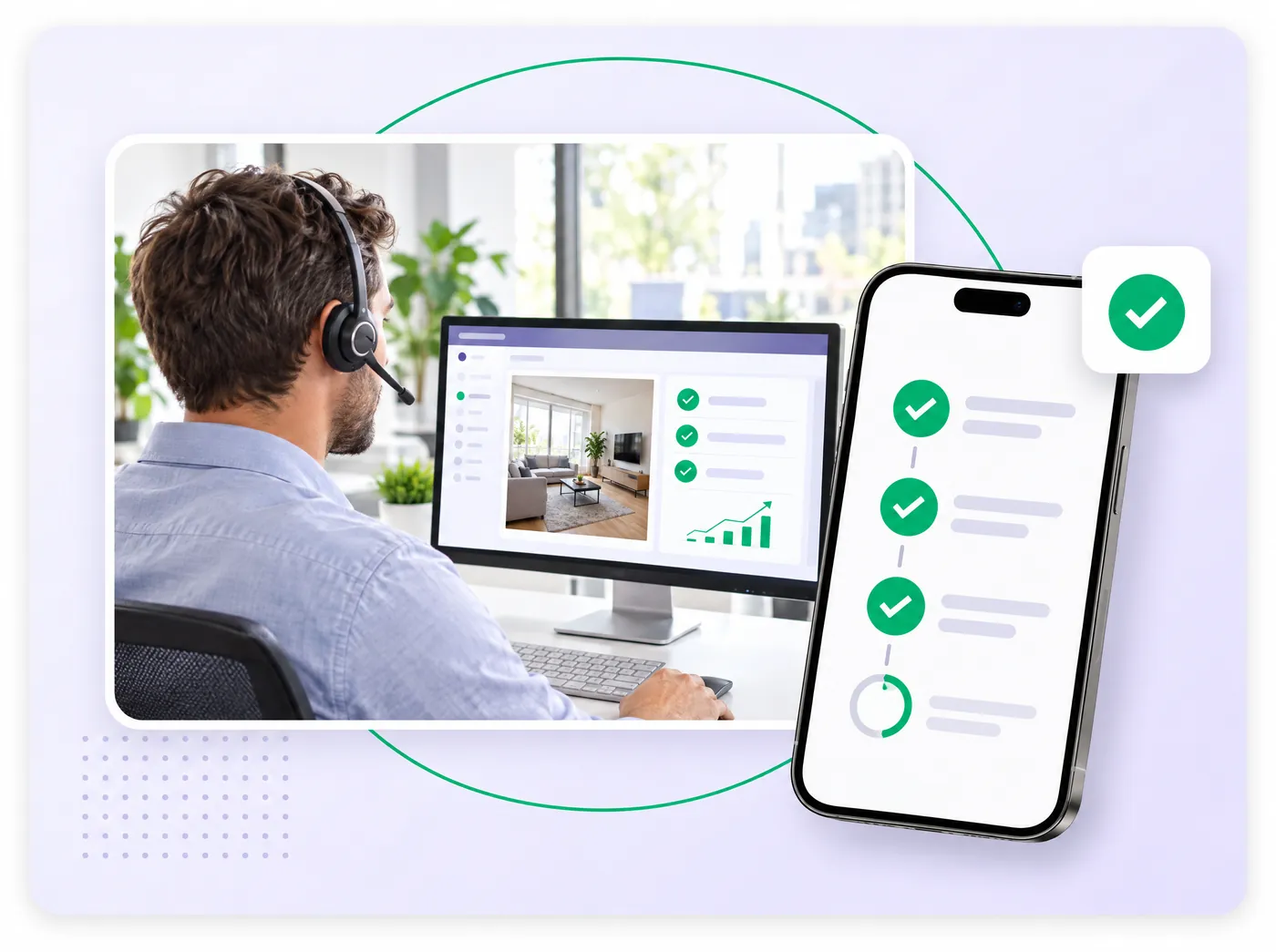
We run a pilot within a limited scope and measure results through an A/B test: one group of advisers with Vizalia and a control group without. We track conversion, call duration, customer satisfaction and usage rate.
- 3
Integration
We integrate Vizalia with your tools and information systems.
- 4
Team rollout
Your teams receive support and a short training session.
- 5
Ongoing support
A dedicated success manager supports you, with a monthly review meeting.
Security
ISO/IEC 27001:2022
AFNOR audit renewed every year.
Hosting in France
Data is hosted in France, with French subprocessors.
GDPR
GDPR compliance and a data processing agreement (DPA).
Encryption
TLS in transit and AES-256 at rest
Visual retention
Sales visuals generated during the call are not stored; photos and measurements taken during support are saved in the record, according to your retention rules.
Real time
Less than one second of latency.
Designed for regulated and critical environments (healthcare, emergency services, banking, insurance).
IT leaders' questions
Does anything need to be installed?
No. The adviser uses a web browser. The customer opens a link received by text message on their smartphone, with no app or account.
Can we start without integration?
Yes. The pilot starts without integration with your IT systems. Integration with your tools takes place during or after the pilot.
Where is data hosted?
In France, with French subprocessors. Sales visuals generated during the call are not stored; photos and measurements taken during support are saved in the record, according to your retention rules.
Which tools are compatible?
The contact centre, telephony and CRM tools shown on this page. API and CTI integration is planned with your teams if your tool is not listed.
How long does it take to launch a pilot?
The pilot is operational in less than 15 days, with 45 minutes of training.