Industrial maintenance: the remote expert.
Vizalia connects your field technicians to your experts in real time. Immediate diagnosis, visual guidance, zero apps to install.
Request a demo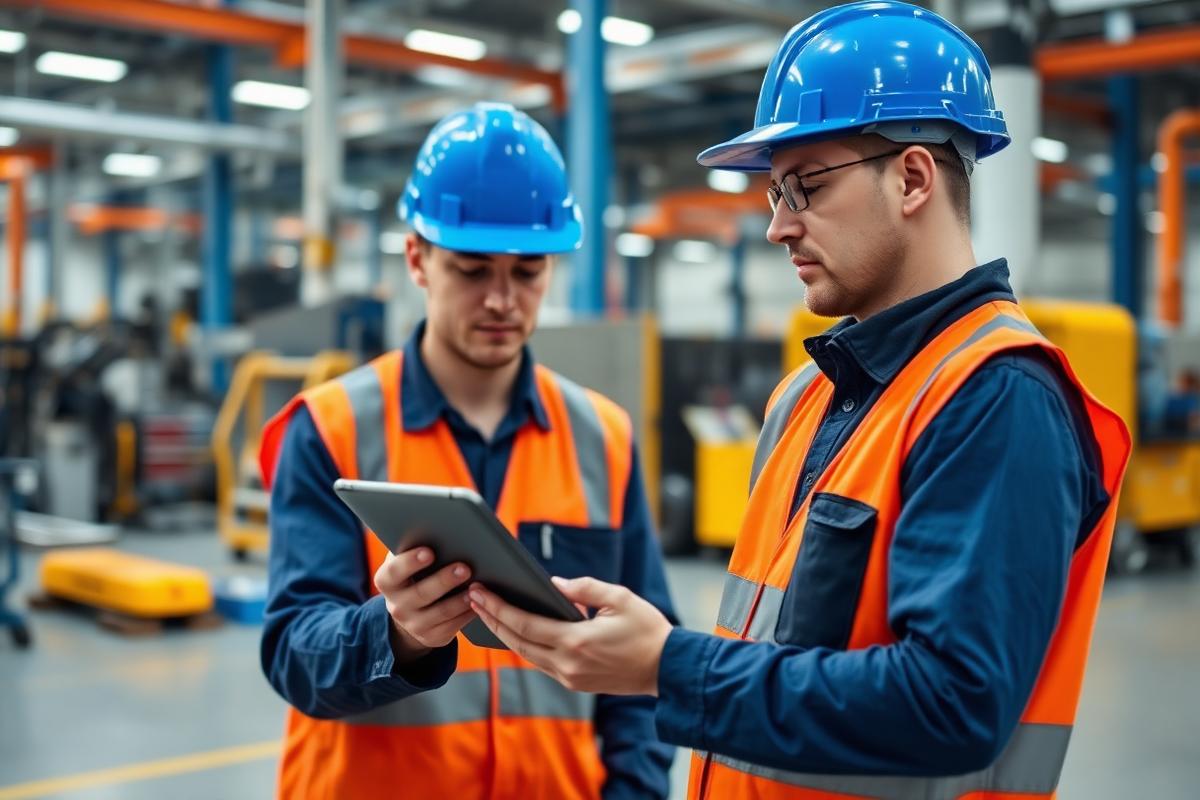
The challenges of industrial maintenance
Problems that are costly in productivity and resources
Critical machine downtime
Every minute of unplanned downtime costs between €5,000 and €50,000 depending on the sector. Waiting for an expert to arrive takes hours.
Shortage of technical experts
Experienced technicians are retiring and critical skills are being lost. New recruits lack support.
Cost of expert call-outs
An on-site expert costs €1,200 per intervention on average. And 40% of breakdowns could be resolved remotely.
Vizalia video assistance:
Your expert, anywhere, in real time
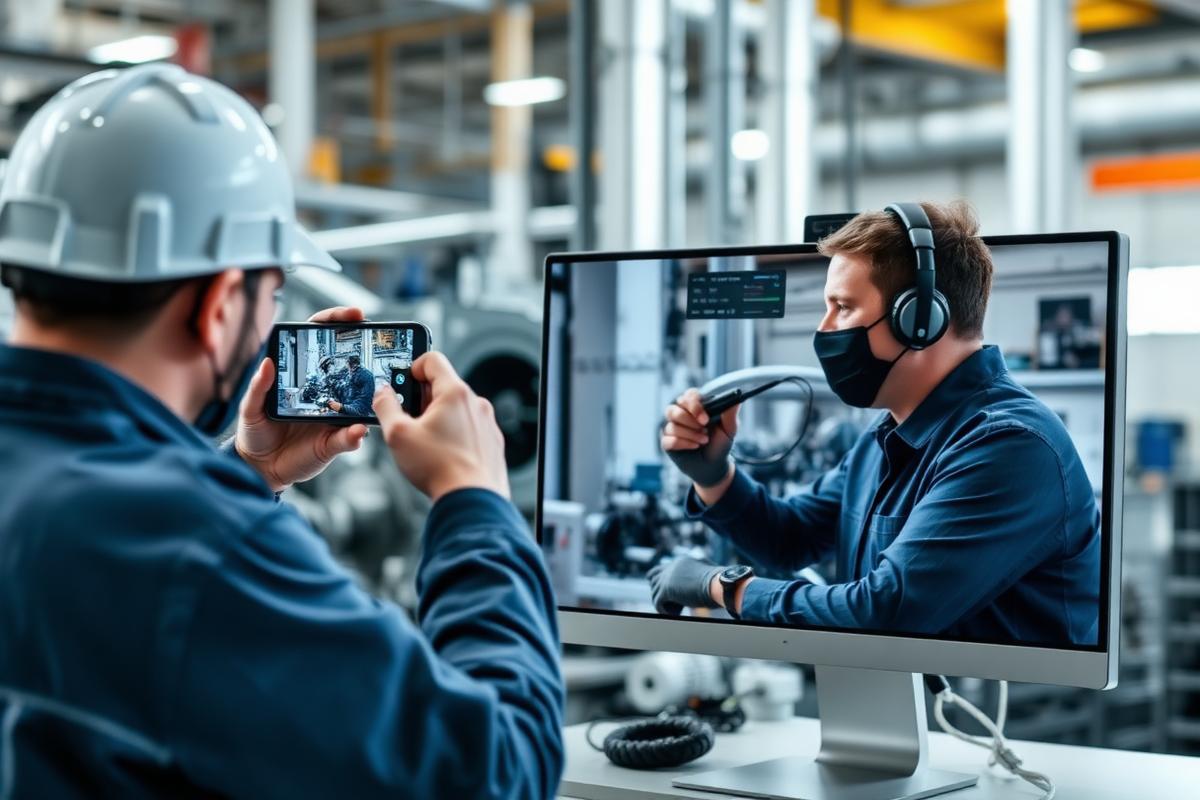
The on-site technician films the equipment with their smartphone. The remote expert sees everything, annotates the screen and guides the repair step by step.
Real-time annotation
The expert points directly on the image: “Unscrew this bolt, then unplug the red connector”.
Automatic intervention report
Captures, annotations and session history: everything is documented and exportable to your CMMS.
Multi-expert escalation
Invite a second expert mid-session without interrupting the video call. Ideal for complex breakdowns.
How does it work?
3 steps, under 30 seconds
Breakdown detected
“The production line has stopped, I don't understand the error code”
Video link sent
The technician receives an SMS and opens the video call in 1 tap, with nothing to install
Guided repair
The expert sees the machine live and guides the technician until it is back in service
Industrial maintenance use cases
Corrective maintenance
Breakdown diagnosis + live repair guidance by the remote expert.
Preventive maintenance
Assisted routine checks, video checklist, tracked history.
Commissioning
Support for installing new equipment over video.
MTTR halved
Less waiting, immediate diagnosis, fewer return trips for parts.
Knowledge transfer
Seniors train juniors without having to travel.
Safety & compliance
Intervention traceability, procedure compliance, ISO 27001, GDPR.
Measured results
Cut your downtime from tomorrow
A 15-minute demo to discover how your experts can guide your technicians remotely.
Book a demo