Remote claims inspection: how a video inspection works, step by step
Remote claims inspection: the policyholder films the damage on their phone, the adjuster assesses live. Steps, preparation, suitable claims, pros and cons.
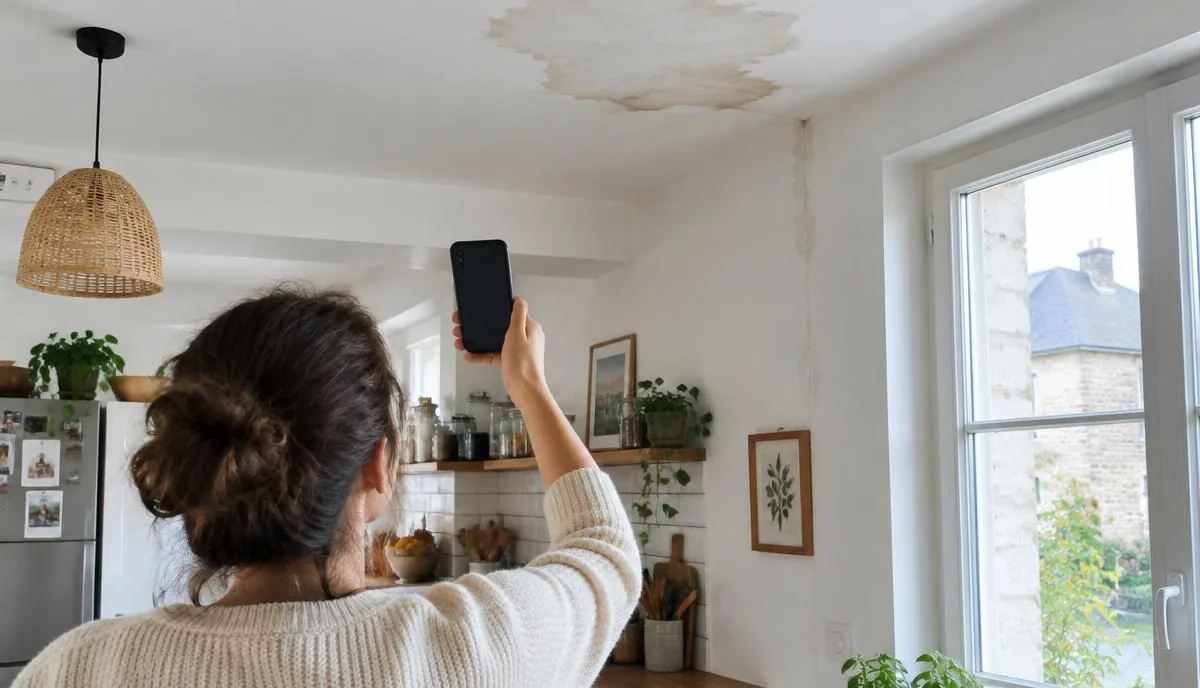
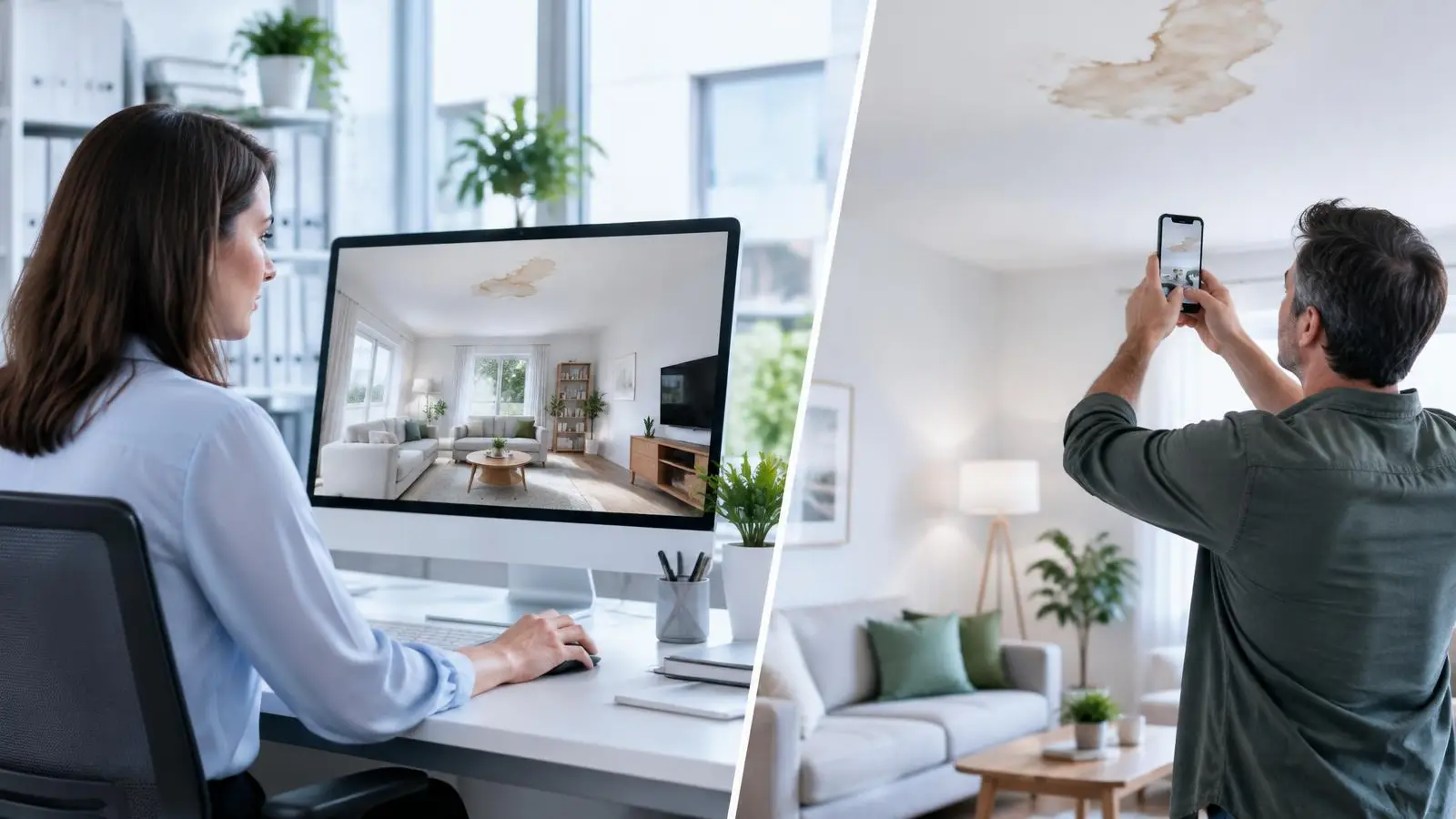
Remote claims inspection (also called video inspection or remote assessment) lets an adjuster, a claims handler or a contractor assess damage without travelling. During a visual call, the policyholder films the premises with their phone: the adjuster sees everything live, asks questions, takes photos and measurements, then writes up the report.
Once reserved for small claims, video inspection has become standard practice for insurers, especially to absorb the surge in claims after a severe weather event. Here is how it works, which claims it suits, and what it changes for policyholders and claims teams alike.
Remote claims inspection, video inspection: what are we talking about?
Both terms mean the same thing: assessing a claim without a site visit. There are two approaches:
- Desk-based assessment: the policyholder sends photos, videos and invoices, and the adjuster reviews them later. Simple, but often incomplete: an angle, a measurement or a detail is missing.
- Live video inspection: the adjuster and the policyholder are connected at the same time. The adjuster directs the camera ("show me the ceiling", "get closer to the skirting board") and gets everything they need in a single session.
It is this second approach that people usually mean by video inspection.
How does a remote claims inspection work?
- Scheduling. The claims handler or adjuster offers a time slot, or starts the session as soon as the claim is reported.
- The link. The policyholder receives a text message. With Vizalia, they tap the link and their camera opens in the browser: nothing to install, no account to create.
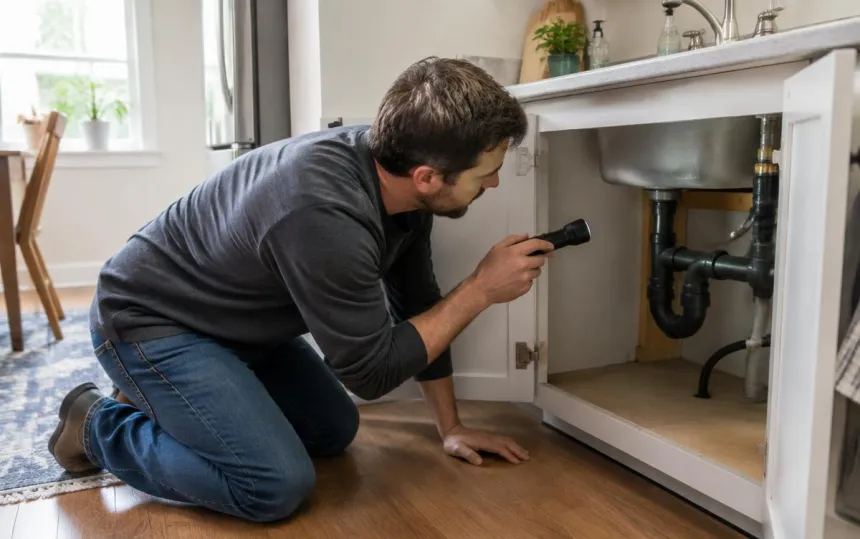
- The guided walkthrough. The policyholder films the room, the damage and the likely cause (leak, water ingress, faulty appliance). The adjuster guides them step by step.
- The assessment. The adjuster takes photos, records the relevant measurements and notes observations during the call.
- The report. Photos, measurements and observations go straight into the claim file. Settlement or repairs can start sooner.
A session usually lasts from a few minutes to half an hour, depending on the extent of the damage.
How to prepare for a video inspection (policyholder side)
- Charge your phone and connect to Wi-Fi if you can.
- Open the shutters and turn the lights on: damage is easier to see in good light.
- Don't repair anything before the inspection (apart from emergency measures to limit the damage) and keep the damaged items.
- Have your supporting documents ready: invoices, "before" photos, and the joint water damage report (constat amiable) if you filled one in.
- Clear access to the affected areas and, if possible, to the source of the damage (water meter, water supply, visible roof).
Which claims are suited to video inspection?
| Well suited to video inspection | Better handled with a site visit |
|---|---|
| Water damage (stains, drips, ceilings, wooden floors) | Major damage to the building structure |
| Broken glass, minor electrical damage | Invasive leak detection or advanced technical measurements |
| Small fires, localised damage | Disputed claims or disagreements between parties |
| Initial assessments after a severe weather event | Damage the camera can't see (concealed pipes and wiring) |
Video inspection also works as a triage tool: simple claims are settled straight away, and site visits are kept for the cases that truly need them.
What remote claims inspection changes for insurers and adjusters
- Shorter lead times: the assessment can happen on the very first call, instead of waiting for a visit.
- Peaks absorbed: after a storm or a flood, teams handle more claims without adding more site rounds.
- Less driving: less time lost, lower costs and less CO₂. Put a figure on it with our avoided trips calculator (in French).
- Better-documented files: with Vizalia, every photo is time-stamped and geotagged, and measurements are taken in a 3D reconstruction of the room (scale verified to ±2%).
- Reassured policyholders: they see someone, ask their questions and know right away what happens next.
In the 2026 Visual Assistance Barometer (in French), advisers at a water damage repair company report producing 97% of their quotes without a site visit, with a visual call lasting 7 minutes on average.
3D remote claims inspection with Vizalia
With Vizalia Espace 3D · Sinistres (3D Space for claims), the policyholder films the room during the visual call. The areas already captured turn green, so they can see straight away what is left to film. The claims handler watches the room build in 3D, live, then measures the damaged area in one click, without leaving the office.
Everything is saved to the claim file, with no re-keying: the 3D space, the measurements, the time-stamped and geotagged photos, the PDF report and the call timeline, all also available via API.
Find out more:
- a detailed example of a 3D water damage assessment;
- our page for insurers and claims handlers;
- remote 3D measurement.
"On straightforward claims, we've gone from several hours on the road, stuck in traffic, to a seven-minute exchange." (translated from French) — Ophélie Rolland, Network Coordinator, Qualisin (read the case study)
The limits of video inspection
Video inspection doesn't replace every site visit. It depends on network quality and lighting, and on the policyholder being available, and it doesn't allow for in-depth technical investigations. The right approach: use it to assess quickly and triage, then send an adjuster on site when it is genuinely necessary.
Frequently asked questions
How does a video inspection work?
The policyholder receives a link by text message, opens it on their phone and films the damage following the adjuster's instructions. The adjuster takes photos and measurements during the call, then writes up the report.
Do I need to install an app for a video inspection?
Not with Vizalia: the policyholder taps a link and their camera opens in their phone's browser, with no app and no account.
How long does a video inspection take?
From a few minutes for minor water damage to half an hour for a larger claim. Above all, it saves waiting for an on-site appointment.
Can I ask for an on-site inspection instead of a video inspection?
This depends on your policy and your insurer, so check with them. In practice, video inspection is often used to assess the claim quickly, and a visit is still possible if the case requires it.
Is remote claims inspection suitable for independent adjusters and contractors?
Yes. The same approach lets an adjuster assess damage, a contractor prepare a repair quote, or a claims handler qualify a claim as soon as it is reported.