Video assistance: definition, how it works and examples
Video assistance lets an adviser see what the customer sees during the call, with no app. Definition, how it works, use cases, security and selection criteria.
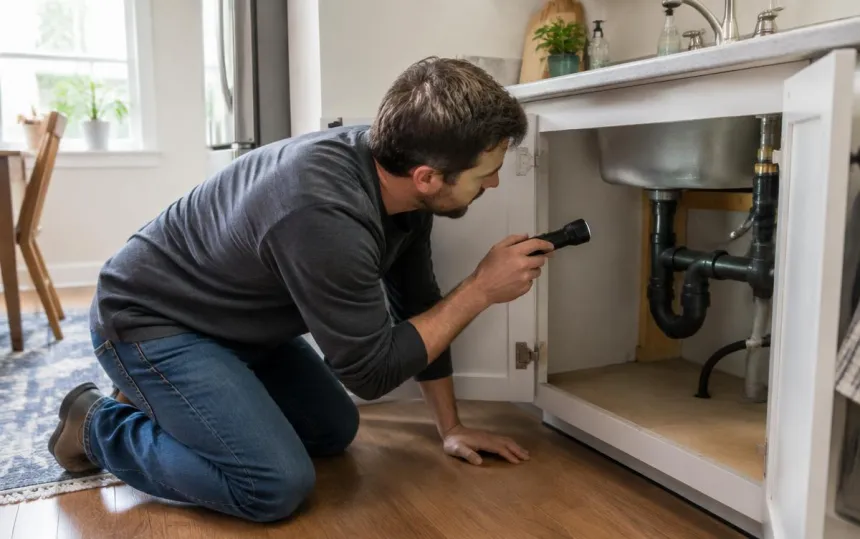
On the phone, an adviser works blind. They depend on what the customer can describe, and the customer does not always know what to look at or how to explain it. Visual assistance adds what the call is missing: images.
What is visual assistance?
Visual assistance (or remote visual assistance) enables an adviser or technician to see live, through the customer's smartphone camera, the equipment, location or document being discussed during the call.
The adviser can then:
- diagnose a fault or situation without travelling;
- guide the customer step by step, action by action;
- document the case with image captures;
- decide: resolve remotely, send the right assistance or close the request.
How does visual assistance work?
A good visual assistance service should remain as simple as a phone call:
- The adviser sends the customer a text message during the call.
- The customer clicks the link. Their smartphone camera opens directly in the browser, with no app to download and no account to create.
- The video connection starts within seconds. The adviser sees what the customer is filming and continues speaking to them.
- The adviser guides, captures and decides. Useful images are added to the customer case.
Technically, this app-free process relies on WebRTC, built into modern browsers. We explain it in our article on WebRTC and visual calls.
Visual assistance or video conferencing: why they are not the same thing
A video conference asks the customer to get ready, to show themselves, sometimes to install an app or book an appointment. Visual assistance, on the other hand, is added to the call in progress: the customer stays on the phone, opens a link and films what is wrong. They do not have to show their face.
This difference changes everything for adoption: 98% of customers accept the link during the call.
Visual assistance, phone calls, emailed photos or WhatsApp: what are the differences?
| Phone only | Photos by email / text | WhatsApp or consumer video calls | Visual assistance | |
|---|---|---|---|---|
| The adviser sees the problem | No | Afterwards, from the angle chosen by the customer | Yes | Yes, live |
| The adviser provides real-time guidance | Yes, without seeing | No | Yes | Yes |
| Customer needs to install an app | No | No | Often | No |
| Data hosted and controlled by the business | – | Rarely | No | Yes |
| Linked to the customer case | No | Manually | No | Yes |
Consumer services can help occasionally, but raise privacy questions and do not integrate with customer service processes. See our comparison: WhatsApp Business for after-sales support: what are the limitations? and alternatives for making calls visual.
Visual assistance use cases
Visual assistance is useful wherever an adviser needs to understand a physical situation remotely:
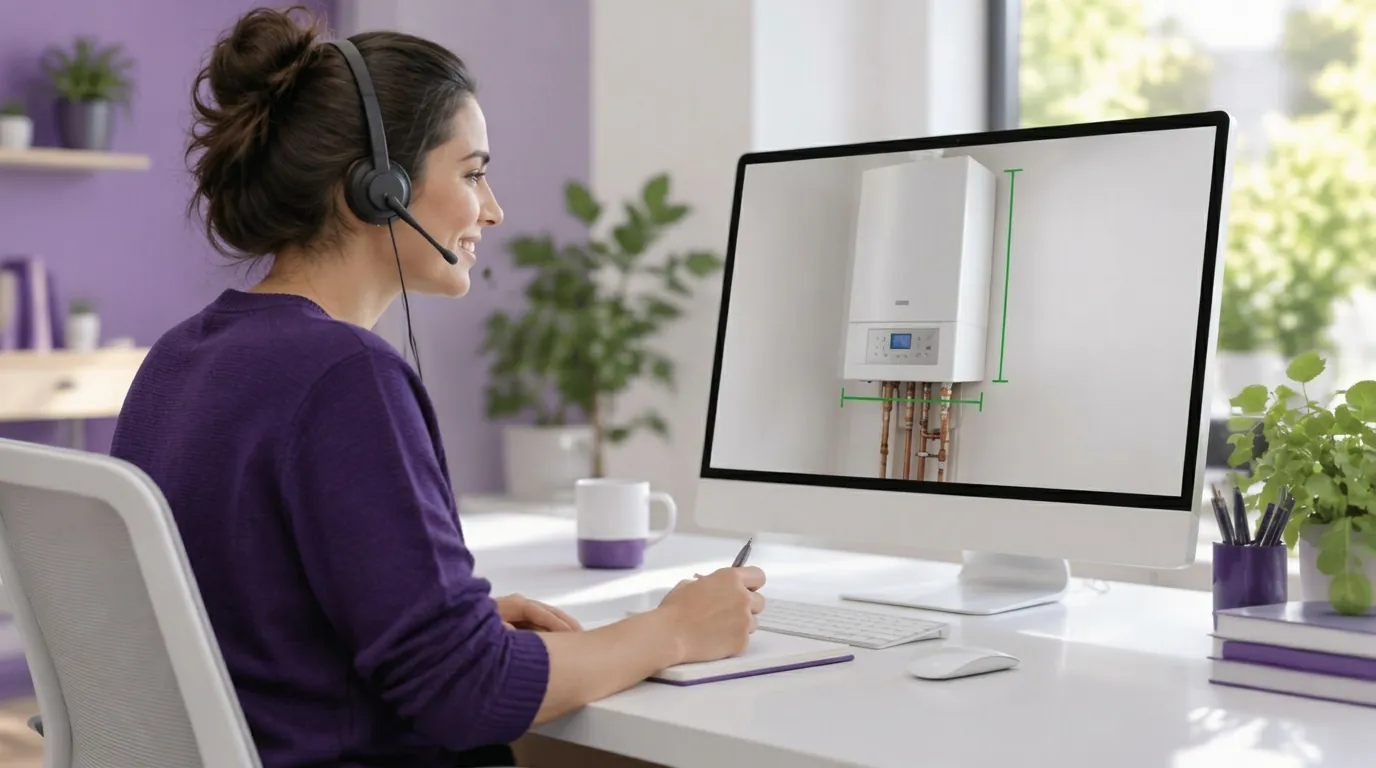
- After-sales support and troubleshooting: heating, air conditioning, household appliances, connected equipment. See remote after-sales support and remote boiler and heat pump diagnosis.
- Energy: installation diagnosis, commissioning, connections. See Energy and Solar.
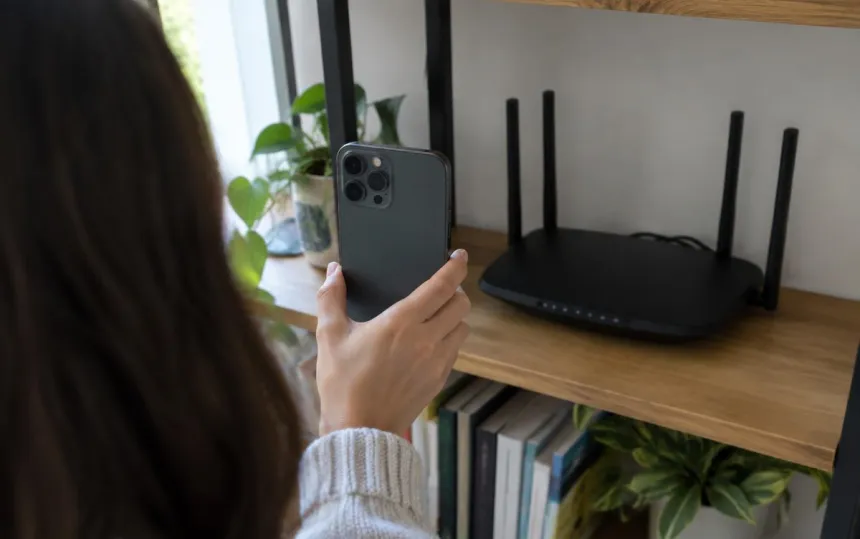
- Telecoms: router and equipment installation and troubleshooting. See Telecom.
- Home healthcare: supporting patients and carers, medical equipment. See Healthcare.
- Banking and insurance: damage assessment, remote checks. See Banking and insurance.
- Contact centres and BPO: adding images to incoming calls without changing existing systems. See BPO.
- Remote sales: showing a product or seeing what the customer already has to provide better advice. See telesales.
Visual diagnosis, the first use of visual assistance
The most common case is visual diagnosis: seeing the fault during the call to decide straight away between remote resolution, a qualified intervention or closing the request. At Axenergie, two faults out of three are resolved remotely this way. All about visual diagnosis
What benefits can you expect?
- Fewer visits: simple faults are fixed during the call. At Cogem, visits fell by 40%. See the case study
- More first-contact resolutions: the adviser no longer guesses; they see. At Axenergie, two out of three faults are resolved remotely. See the case study
- Better-prepared visits: when a visit is still needed, the technician sets out with the right part.
- A better customer experience: less waiting, a more human exchange, an immediate answer.
- Fewer emissions: every trip avoided reduces the service's carbon footprint. See visual assistance and CSR.
Visual assistance software: how to compare
Several vendors offer visual assistance, with different approaches:
- video collaboration platforms, with co-browsing and video appointments (for example Apizee);
- automated or self-service oriented visual assistance (for example TechSee);
- field service oriented solutions for field technicians (for example SightCall);
- consumer tools (WhatsApp, standard visual calls), simple but outside customer service processes;
- visuals added to the phone call, Vizalia's approach.
Our detailed comparisons: Apizee, SightCall, TechSee, and the full comparison of visual assistance software.
Security and GDPR: what to check
A visual assistance session shows the inside of a customer's home or site. Security is not a minor detail:
- customer consent before the camera opens;
- data hosting: where videos and captures are stored, and by whom;
- certifications: ISO 27001 for the information security management system;
- GDPR documentation: records of processing activities, data processing agreement (DPA).
Vizalia is ISO 27001 certified and hosts data in France with French providers. Learn more about our security.
How to choose a visual assistance service
- Simplicity for the customer: a text-message link, no app, works on all recent smartphones.
- Simplicity for the adviser: learn to use it in minutes, integration with your existing systems (CRM, telephony). See our integrations.
- Reliable video, even with an average connection.
- Security and hosting that meet your requirements.
- Tracking: usage statistics, images attached to the case.
Discover our visual assistance software → · Compare the solutions →
How much does a visual assistance solution cost?
Models vary between vendors: a licence per adviser, a package by features, or pay-per-use. With Vizalia, you pay for visual sessions, not licences: unlimited users, volume-based degressive pricing, identical for support and sales. See pricing
Frequently asked questions
Does the customer need to install an app? No. The customer clicks the link received by text message and the camera opens in their browser.
Is a recent smartphone required? A smartphone with an up-to-date browser is enough in the vast majority of cases.
Does visual assistance replace technicians? No. It avoids unnecessary visits and better prepares those that remain necessary. Technicians focus on work that genuinely requires their presence.
How long does a session last? Often just a few minutes. At Qualisin, 7 minutes of video replace several hours on the road to assess a site. See the case study
What is the difference between visual assistance and remote visual assistance? They are two names for the same practice: an adviser sees, remotely, what the customer sees through their smartphone camera.
How long does it take to set up visual assistance? A pilot starts without integration, in less than 15 days, with 45 minutes of training for advisers.