Remote after-sales support: diagnose by video, resolve without a visit or send the right technician first time
Remote after-sales support: which faults can be fixed by video, how to organise diagnosis and what results to expect. Examples from Axenergie, Cogem, Mariton and Qualisin.
A customer calls: their device has stopped working. On the phone, they describe what they see in their own words. The adviser tries to picture the scene, asks questions, then takes the most cautious decision: send someone out.
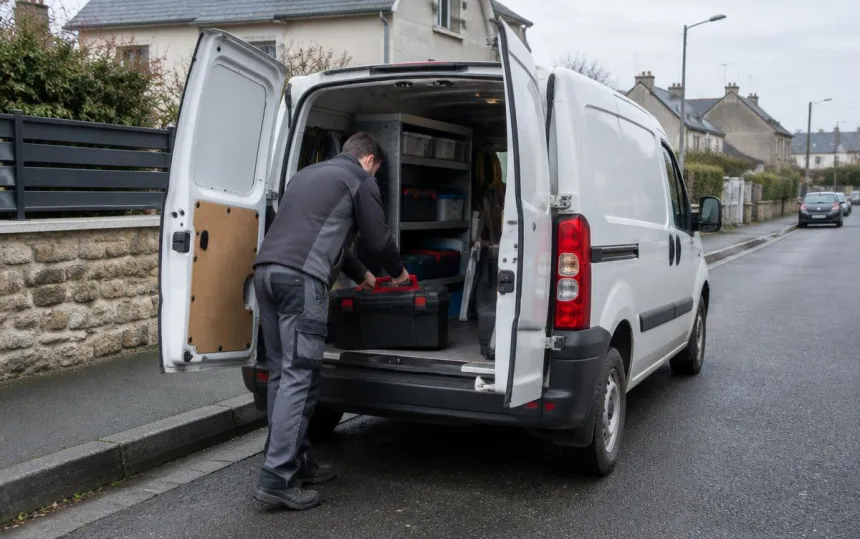
On site, the technician all too often discovers an unplugged cable, a changed setting, a clogged filter… or a fault for which they do not have the right part in their van. The result: an unnecessary visit, or a second trip, and a customer left waiting.
Remote after-sales support means seeing the problem during the call so the right decision can be made from the very first contact.
What really drives after-sales support costs
The cost of a visit is not just the time spent at the customer's premises. You also need to account for:
- travel: technician time, vehicle, fuel, sometimes several hours for just a few minutes on site;
- assessment visits, which serve only to understand the fault;
- repeat visits, when the right part or expertise was missing the first time;
- the customer's waiting time, while an appointment is arranged for a fault that might take only minutes to fix.
This is where video makes a difference: it does not replace the technician; it avoids sending them out blind.
Which faults can be fixed remotely?
Many after-sales requests require no equipment, just the right actions. With live images, the adviser can guide the customer step by step through:
- a connection or an incorrectly connected cable;
- a setting or a parameter changed by mistake;
- an error code displayed on the device's screen;
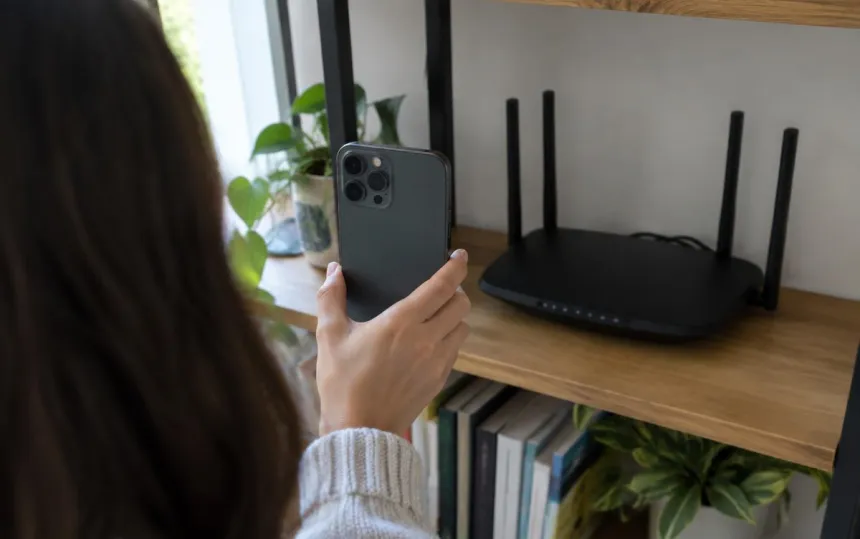
- a reset (router, alarm control panel, boiler, connected device);
- simple maintenance: filter, bleeding, cleaning, restoring pressure;
- incorrect use of the equipment.
Some faults cannot be dealt with remotely: a defective part, regulated work (gas, electricity), major repairs. Even then, video remains useful: it helps define exactly what the visit requires before scheduling it.
The three outcomes of a video after-sales call
With images, every call ends with a clear decision:
- Resolved remotely. The customer is guided through each action and the fault is fixed during the call. No visit needed.
- A properly scoped visit. The adviser has seen the fault: they send the right technician with the right part, and the case already contains photos. The first visit is the right one.
- No visit required. Incorrect use, equipment outside warranty, a request for another department: a trip that would not have resolved anything is avoided.
How a video after-sales call works
The process must remain as simple as a phone call, especially for customers who are less comfortable with technology:
- During the call, the adviser sends the customer a text message.
- The customer clicks the link: their smartphone camera opens in the browser, with no app to install.
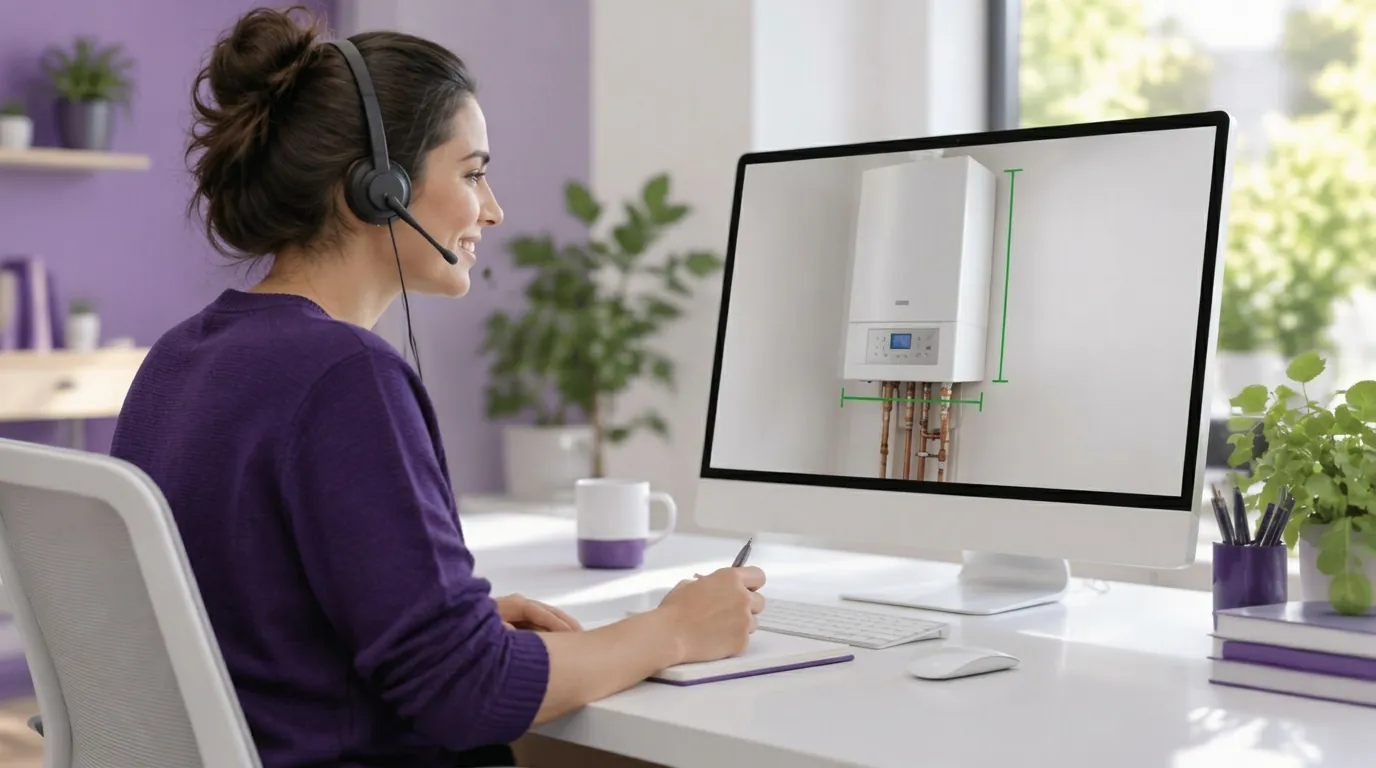
- The adviser sees what the customer sees, guides them and can capture images for the case.
- By the end of the call, the decision is made: resolved, visit scheduled or case closed.
What our customers have measured
Results vary by business, but the trends are clear:
- Axenergie (a network of 140 heating contractor branches): two out of three faults resolved remotely. Read the case study
- Cogem (water treatment): 40% fewer visits and after-sales support closer to customers. Read the case study
- Mariton (blinds and solar shading): after-sales resolution time cut by a factor of 3 through video diagnosis. Read the case study
- Qualisin (post-damage work): 7 minutes of video instead of several hours on the road to assess a site. Read the case study
- Sector Alarm (remote alarm monitoring): faster alarm troubleshooting and fewer technician visits. Read the case study
Set up remote after-sales support in 5 steps
- Choose priority call reasons. Start with frequent faults that are easy to diagnose visually.
- Write a short protocol. When to offer video, what to ask the customer to show, and which decisions to make based on what you see.
- Train advisers. A few sessions are enough: it is simple to use; the main challenge is guiding the customer well.
- Measure from the first month. Remote resolution rate, visits avoided, repeat visits, customer satisfaction.
- Gradually extend to other call reasons, then to field teams (a technician on site can also call an expert by video).
Indicators to track
- Remote resolution rate: the proportion of visual calls resolved without a visit.
- Rate of visits avoided: compared with the same period before video was introduced.
- First-visit resolution rate for visits that remain necessary. See also our article on first-call resolution (FCR).
- Resolution time for the customer.
- Customer satisfaction after the call.
A practical contribution to CSR
Every visit avoided means fewer kilometres and fewer emissions. For businesses tracking their carbon footprint, the number of avoided visits can readily be converted into CO₂ saved. We explore this in our article on visual assistance and CSR.