Visual diagnosis: diagnosing a fault remotely, from the very first call
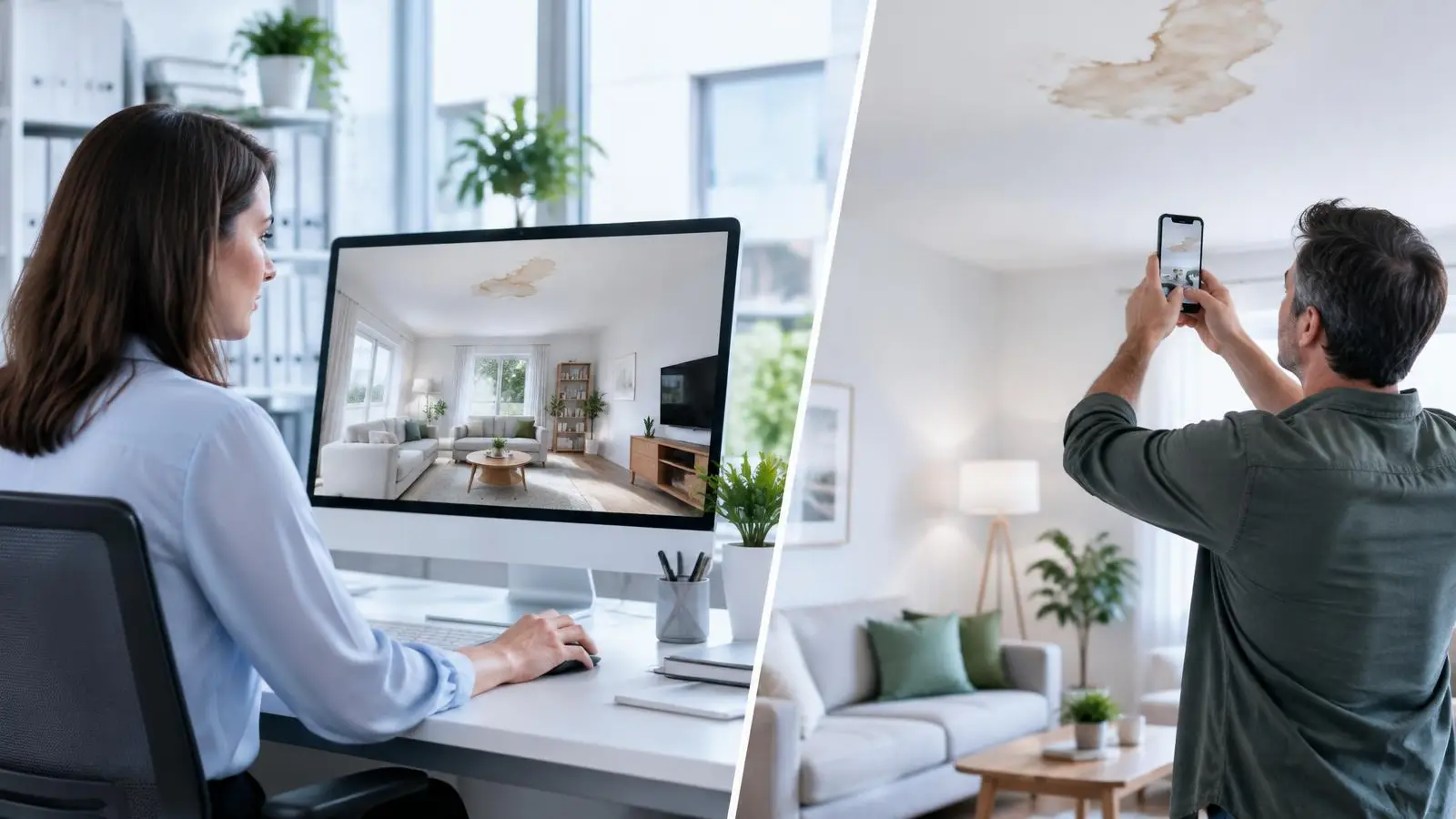
Visual diagnosis lets you see the fault during the call and decide straight away: resolved remotely, qualified intervention or no visit.
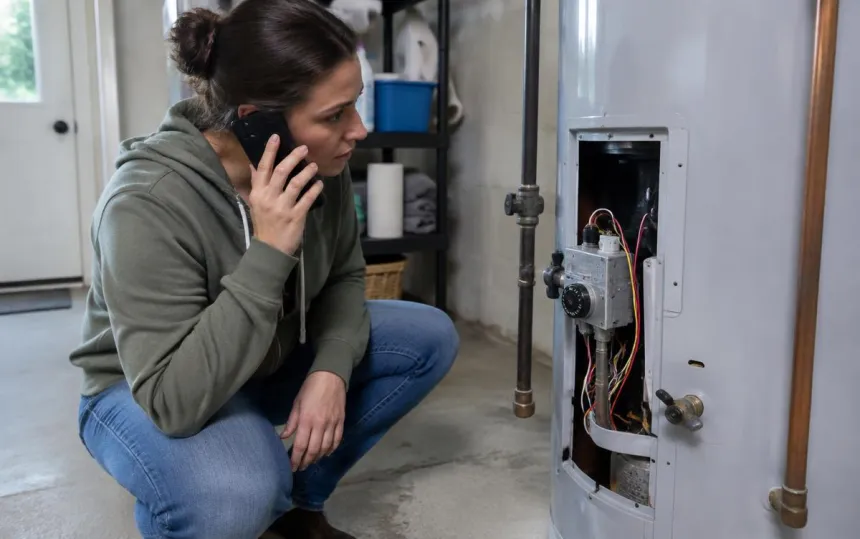
A customer calls: their boiler has locked out, their alarm goes off for no reason, their blind won't go back up. On the phone, they describe what they see in their own words. The adviser asks questions, pictures the scene, and often ends up sending a technician "to take a look".
On site, the technician finds a setting to redo, a well-known error code, or a part they don't have in their van. The visit has fixed nothing, or they will have to come back.
Visual diagnosis removes this blind step: the adviser sees the fault during the call and decides with full knowledge of the facts.
What is visual diagnosis?
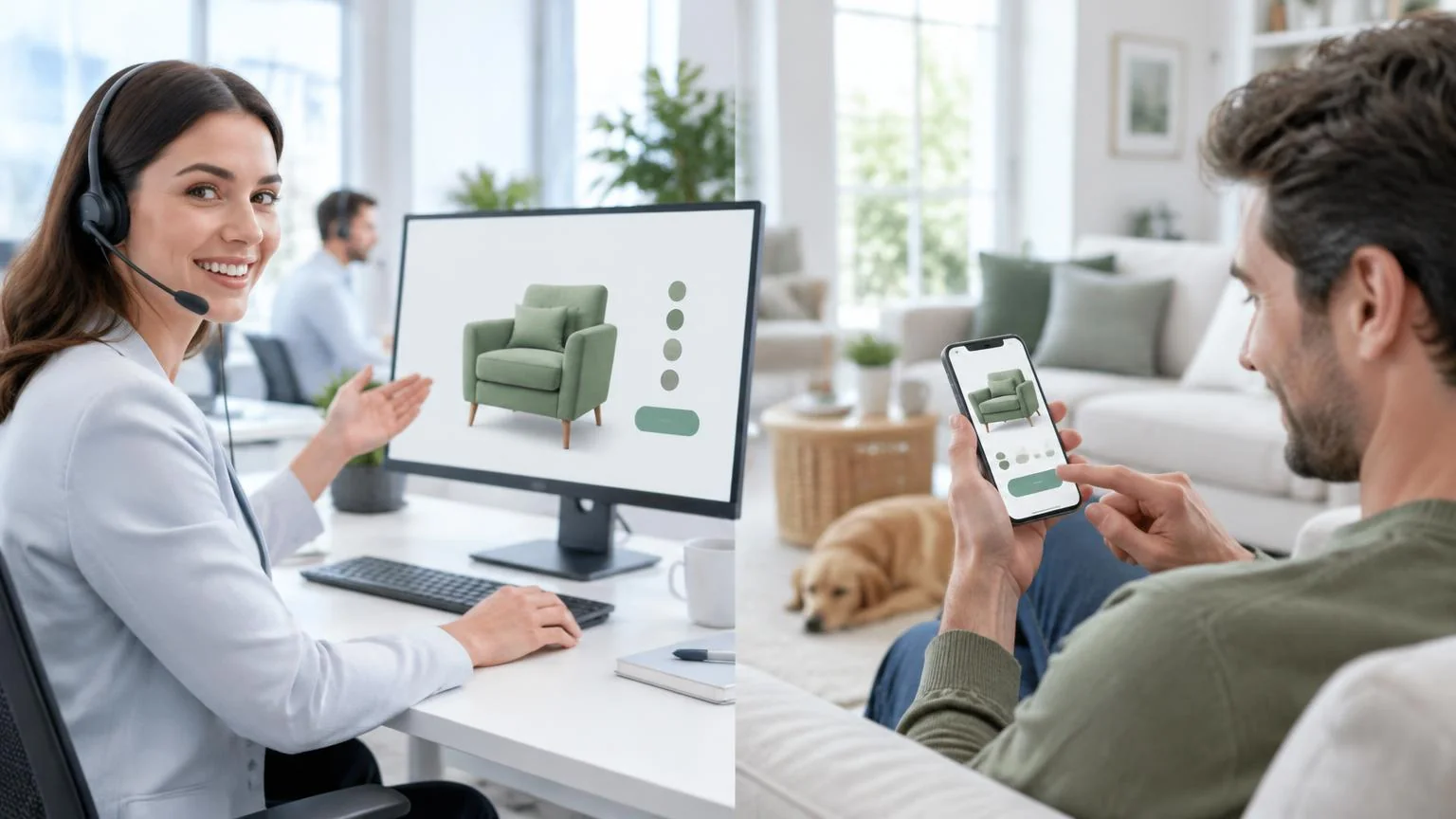
Visual diagnosis (or remote diagnosis by video) means using the camera on the customer's smartphone so that an adviser or technician can see the equipment, installation or place in question, live, during the call.
It is the most common application of video assistance: instead of guessing, you look. The diagnosis takes a few minutes, and the decision follows immediately.
How a visual diagnosis works
- During the call, the adviser sends a link by SMS.
- The customer taps it: their phone camera opens in the browser, with no app to install and no account to create. The phone conversation continues.
- The adviser sees the device, the rating plate, the error code, the connection or the damaged area. They guide the customer: "move closer to the light", "show me the back".
- They capture and annotate the useful images, which are added to the customer file.
- They decide: resolved remotely, qualified intervention or no intervention.
Which faults can be diagnosed by video?
A large share of requests can be resolved or qualified from the image:
- heating and air conditioning: boiler in lockout, heat pump fault, error code, pressure. See visual diagnosis for boilers and heat pumps;
- household equipment: blinds, shutters, appliances, alarms;
- telecoms: routers, set-top boxes, cabling, indicator lights;
- professional equipment: payment terminals, machines, industrial installations;
- water treatment, solar, charging points…
Some interventions remain impossible remotely: a faulty part, a regulated intervention (gas, electricity), a heavy repair. Even then, visual diagnosis is used to prepare the visit.
The three outcomes of a visual diagnosis
- Resolved remotely. Setting, reset, simple maintenance: the customer is guided step by step, and the fault is fixed during the call.
- Qualified intervention. The adviser has seen the fault: the technician sets off with the right part and the right diagnosis. The first visit is the right one.
- No intervention. Misuse, a request outside the warranty or one that belongs to another department: a needless trip is avoided.
What our customers have measured
- Axenergie (140 heating engineer agencies): two faults out of three resolved remotely. Read the case study
- Leroy Merlin: 80% of faults resolved without a visit. Read the case study
- Cogem (water treatment): 40% fewer site visits. Read the case study
- Mariton (blinds and solar protection): after-sales resolution time divided by 3. Read the case study
- Webdentiste: an incident cleared instantly, and resolution divided by 3. Read the case study
- Sector Alarm: faster alarm troubleshooting and fewer technician visits. Read the case study
Visual diagnosis, emailed photos or WhatsApp: what's the difference?
- Emailed photos arrive after the call, from the angle chosen by the customer, often blurry and without the right detail.
- WhatsApp or a consumer video call require an app, an account, sometimes the adviser's personal number, and the images are not added to the file.
- Visual diagnosis happens during the call, live, with a simple link; the adviser guides the framing and the images are attached to the customer file.
Setting up visual diagnosis in 5 steps
- Choose the priority call reasons: frequent faults that are easy to see.
- Write a short protocol: when to offer the visual call, what to have filmed, which decisions to take.
- Launch a pilot with one team: it starts without integration, in less than 15 days, with 45 minutes of training.
- Measure: remote resolution rate, visits avoided, second visits, satisfaction.
- Extend to other call reasons, and to field technicians, who can call an expert too.
Frequently asked questions
Does the customer have to install an app? No. They open the link received by SMS; the camera opens in their smartphone's browser.
Does visual diagnosis work with our telephony? Yes. Vizalia launches from a browser or from your tools (Aircall, Salesforce, Zendesk…). See the integrations
What happens to the images? Captures taken during the diagnosis are stored in the file, according to your retention rules. Data is hosted in France; Vizalia is ISO 27001 certified. Learn more about our security
Does visual diagnosis replace technicians? No. It avoids needless visits and better prepares those that are still necessary.
Further reading
- Video assistance: definition, how it works and use cases
- Remote after-sales support: diagnose, resolve or send the right technician
- Visual diagnosis for boilers and heat pumps
Want to see visual diagnosis in action? A 20-minute demo, on your own use cases. Request a demo →