Remote diagnostics: how to troubleshoot a fault without a site visit
Remote diagnostics: phone script, photos, telemetry or visual call? The 4 methods compared, when to use each, how to get started and the results to expect.
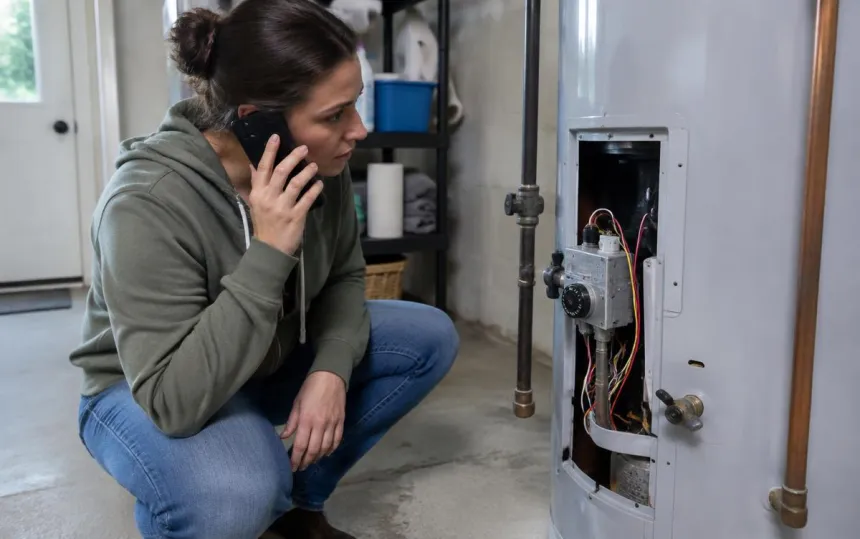
Remote diagnostics means identifying a fault or malfunction without sending a technician on site. Done well, it avoids unnecessary trips, ensures the technician arrives with the right part when a visit is still needed, and gets back to the customer in minutes rather than days.
There are several ways to troubleshoot remotely, and they are not equally effective depending on the equipment, the customer and the type of fault. Here are the four main methods, and how to choose between them.
The 4 remote diagnostics methods
1. The phone questionnaire
The agent follows a script: "Which light is flashing?", "Can you hear a noise?". It is the most widespread method, and the most fragile: everything depends on the customer's description, and the customer knows neither the terminology nor the equipment.
2. Photos and videos sent by the customer
The customer sends photos by email or messaging app. Better than a description alone, but asynchronous: the right angle is often missing, and the back-and-forth drags on. These images also circulate outside the company's own tools, which raises confidentiality issues.
3. Telemetry and remote control
Connected equipment (industrial machines, recent boilers, internet routers, computers) sends back data or can be controlled remotely. Very effective… when the equipment is connected, which is far from always the case.
4. The visual call (visual diagnosis)
During the call, the customer receives a link by text message, opens it on their phone without installing anything, and shows the equipment. The agent sees the fault live, guides the customer step by step and takes photos for the file. This is what we call visual diagnosis.
| Method | What you need | Best for | Main limitation |
|---|---|---|---|
| Questionnaire | A phone | Known, simple faults | Relies on the customer's description |
| Photos sent in | Messaging app or email | Non-urgent cases | Back-and-forth, missing angles |
| Telemetry / remote control | Connected equipment | IT, connected machines | Excludes non-connected equipment |
| Visual call | A smartphone and a link | Any equipment, customer on site | The customer must be on site |
When visual diagnosis makes the difference
The visual call is particularly effective when:
- the equipment isn't connected (the vast majority of installations in people's homes);
- the fault can be seen or heard: an indicator light, an error code, a leak, a noise, a connection;
- an adjustment is enough, provided the customer is guided step by step;
- a visit is still needed: the technician sets off with the right part, and only comes once.
And it stays simple: in the 2026 Visual Assistance Barometer (in French), 9 out of 10 visual calls need no tools at all, no photos and no annotations. Seeing is enough.
Results of remote diagnostics by visual call
According to the barometer, based on 12 months of visual calls:
- 7 out of 10 call-outs avoided on average, according to agents;
- 78% of call-outs avoided in heating;
- 7 minutes per visual call on average;
- 4.8/5 average customer rating.
To work out what this means for your business in euros, hours and CO₂, use the avoided trips calculator (in French). For example, 40 trips avoided per month at €150 each add up to €72,000 a year.
"More than half of our network now uses it every day." (translated from French) — Daniel Deral, National Network Development Manager, Axenergie (read the case study)
For a detailed example in heating, read our article on remote boiler and heat pump diagnostics (in French).
Setting up remote diagnostics in 5 steps
- Pick the right cases: simple faults, adjustments and pre-visit checks, where you're unsure whether a trip is needed.
- Introduce the link: "I'm sending you a text, you just need to tap it." One sentence is often all it takes for the customer to open the link.
- Train your teams: at Axenergie, a technician is up and running in fifteen minutes.
- Measure from day one: one question at the end of each call, "Trip avoided?", is enough to quantify the gains.
- Connect the tool to the rest of your stack: photos and notes go into the ticket or the CRM, with no re-keying. See our visual assistance software.
Limits to be aware of
Remote diagnostics doesn't solve everything. It reaches its limits when the fault is internal and invisible, when measurements require specialist equipment, or when the customer isn't there. And customers should never be asked to handle anything dangerous (gas, live electrical parts): in that case, the diagnosis is used to decide quickly to send someone out.
Frequently asked questions
What is remote diagnostics?
It is identifying a fault without a site visit, based on information provided by the customer or by the equipment itself: a description, photos, telemetry data or a live picture during a visual call.
What is the difference between remote diagnostics and remote control?
Remote control operates a connected device (often a computer). Remote diagnostics by visual call works with any equipment, connected or not: the customer shows it, using their phone.
Do customers need to install an app for remote diagnostics?
Not with Vizalia: the customer opens a simple link received by text message, and their camera opens in the browser.
Is remote diagnostics reliable?
All the more so when the agent sees the equipment live instead of relying on a description. According to the 2026 barometer, 7 out of 10 call-outs are avoided on average thanks to the visual call.
Which industries use remote diagnostics?
Equipment after-sales service, heating and energy, telecare, home healthcare (for equipment), telecoms, industry and insurance.