Remote visual assistance: the expert sees what the technician sees, without travelling
Remote visual assistance: one link, the smartphone camera, and your expert guides the field technician live. Use cases, how it works, results and limits.
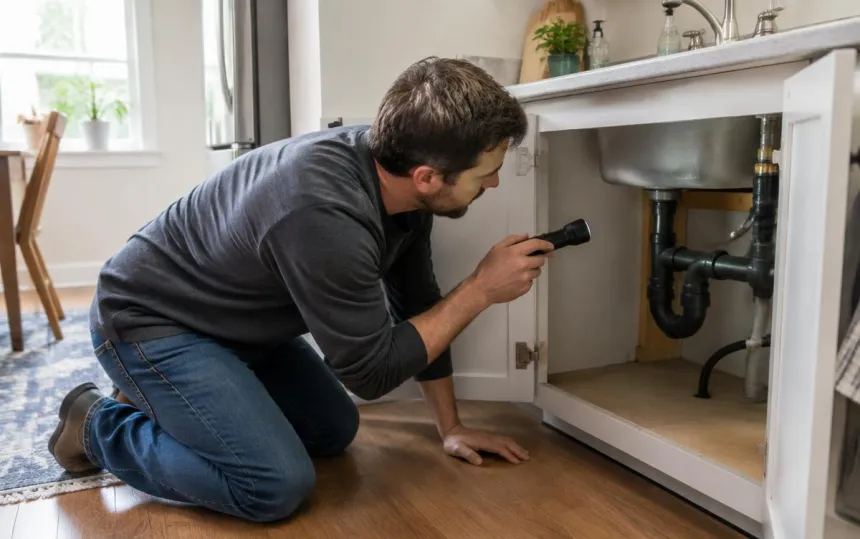
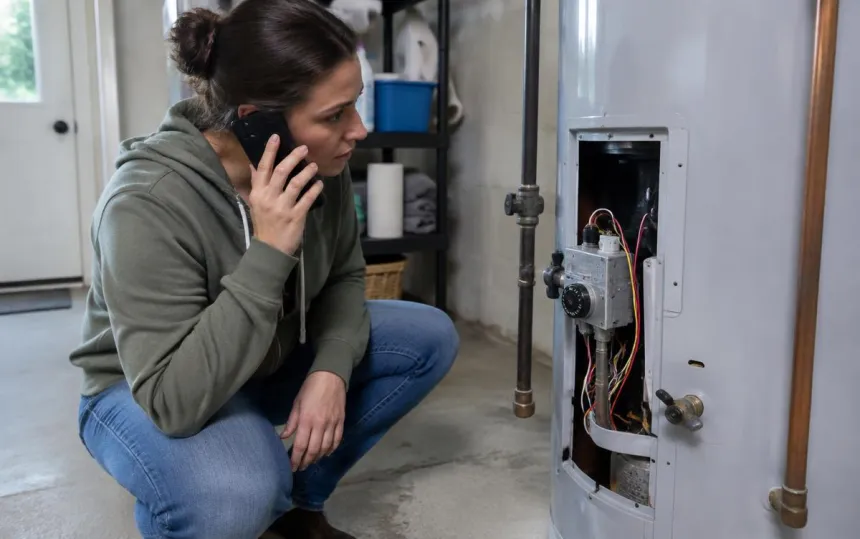
Remote visual assistance lets an expert see, live, what someone in the field is seeing through their smartphone camera, and guide them step by step. The technician stays in front of the equipment, the expert stays at their desk: the right person sees the right problem, and nobody has to get on the road.
It is also known as remote expert support, "see what I see" or visual support. The principle is the same as the visual assistance used with customers, but applied to your own teams: an on-site technician, an installer or a maintenance engineer who needs a second pair of eyes.
Two uses of remote visual assistance
| With a customer | With a technician | |
|---|---|---|
| Who films? | The customer, at home | The technician, on site |
| Who watches? | The after-sales agent or technician | The expert, level 2 support, the engineering team |
| Goal | Diagnose the issue, avoid a trip | Unblock a job, avoid a second visit |
| Example | A broken-down boiler, a jammed blind | A commissioning, a connection, an unknown error code |
In both cases, the live picture replaces vague descriptions and the back-and-forth of photos.
How remote visual assistance works with Vizalia
- The expert sends a link by text message to the technician, from their workstation or straight from the ticket.
- The technician taps it: the camera opens in their phone's browser. Nothing to install, no account to create, any smartphone will do.
- The expert sees live what the technician is filming and guides them by voice, annotating the image if needed.
- Everything is documented: time-stamped photos and notes are added to the job file.
No smart glasses to buy, no app to roll out across a fleet of phones: that is what makes it possible to get started in days rather than months.
Which industries use it?
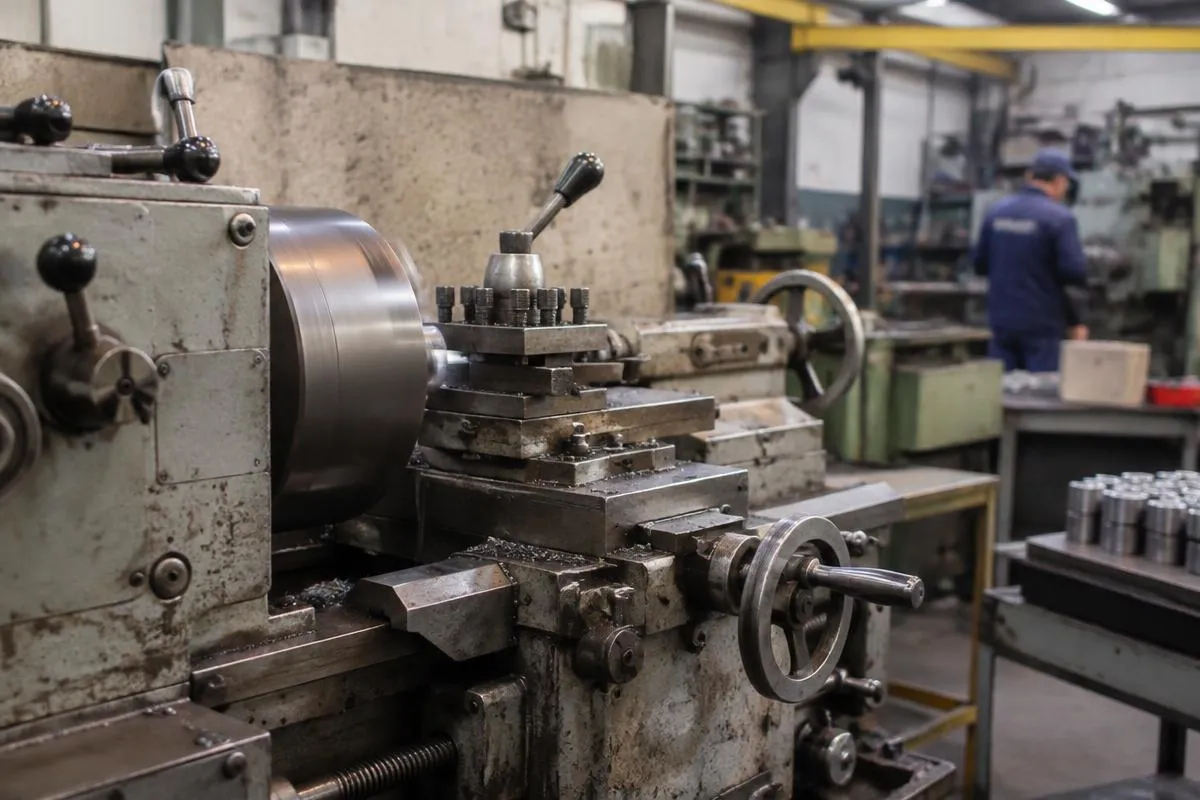
- Industrial maintenance and after-sales: a technician facing an unfamiliar machine calls the manufacturer's expert. See our page on maintenance and product after-sales.
- Energy and heating: commissioning a heat pump, an error code on a boiler. See remote boiler and heat pump diagnostics (in French).
- Solar installation: the installer or the customer is guided step by step through the connection.
- Telecoms: checking a connection or an installation before closing the job.
- Franchise and contractor networks: head office brings its expertise to teams spread across France.
What remote visual assistance changes in the field
According to the 2026 Visual Assistance Barometer (in French):
- 9 out of 10 visual calls need no tools at all: seeing is enough, with no photos or annotations;
- a visual call lasts 7 minutes on average, and around 17 minutes to support a solar installation from start to finish;
- 7 out of 10 call-outs are avoided on average, according to agents.
In practice, this means fewer second visits, less experienced technicians who become more autonomous, and experts who cover far more jobs without leaving their desk. To work out the trips you could avoid, use our avoided trips calculator (in French).
"More than half of our network now uses it every day." (translated from French) — Daniel Deral, National Network Development Manager, Axenergie (read the case study)
How to choose a remote visual assistance solution
- Nothing to install in the field: a link that opens in the browser, on every smartphone, including older ones.
- Quality on weak networks: basements, boiler rooms, rooftops… the picture has to hold up on a single bar of signal.
- Data security: hosting in France, encryption, ISO 27001 certification (all of which Vizalia offers).
- Integration: photos and notes go into your ticketing tool or CRM, with no re-keying.
- Ease of use: at Axenergie, a technician is up and running in fifteen minutes.
To compare the solutions on the market, see also our pages on the Apizee alternative and the TeamViewer alternative.
The limits
Remote visual assistance doesn't replace a job that requires skilled hands or specialist tools. It also depends on a minimum level of connectivity. And safety comes first: an expert never has someone handle anything dangerous remotely (gas, live electrical parts) unless the person on site holds the required qualifications.
Frequently asked questions
What is remote visual assistance?
It is the ability for an expert to see, live, what a person in the field is filming with their smartphone, and to guide them step by step during the call.
How is it different from visual assistance?
The principle is the same. "Visual assistance" usually refers to a customer showing their problem to customer service, while "remote visual assistance" refers to a technician calling on an expert.
Do you need smart glasses?
No. A smartphone is enough: the technician opens a link received by text message, with no app. Glasses can keep hands free, but they are expensive and require a rollout.
Do you need to install an app?
Not with Vizalia: the link opens in the phone's browser.
Are the sessions secure?
With Vizalia, data is hosted in France and the platform is ISO 27001 certified.