Visual calls: comparing five alternatives
TechSee, SightCall, Apizee, TeamViewer or WhatsApp: five comparisons to help you choose.
Not every "visual" offer serves the same need. Some automate technical self-service, others equip field workers, others again organise customer messaging. The result is comparisons built on criteria that never quite overlap, and projects that stall at rollout because the real need was not the one everyone assumed.
This guide sorts that out. It explains how the five most frequently cited alternatives split apart, which criteria actually matter when equipping a contact centre, and where Vizalia sits: making phone calls visual for support, telesales and voice AI agents.
Five families, five different problems
Before comparing features, compare intentions. An offer built to automate the diagnosis of a broadband router cannot be judged with the same grid as a business messaging channel.
1. Visual self-service automation. The goal is for customers to solve the issue themselves, guided by AI that recognises the device being filmed. This is TechSee's ground. The promise is deflection: fewer calls, less advisor time.
2. Video intelligence for service organisations. The goal is to support large-scale service operations, often international, with augmented reality and knowledge capture. This is SightCall's ground.
3. Visual assistance and co-browsing. The goal is to help a customer along a web journey or with a product, combining chat, audio, video and screen sharing. This is Apizee's ground, a French vendor like Vizalia.
4. Equipping the field worker. Here the end customer is not involved: the technician is equipped, sometimes with smart glasses, for hands-free work. This is TeamViewer's ground.
5. Customer messaging. The goal is asynchronous conversation, left to the customer who sends a photo or a video whenever they can. This is WhatsApp's ground.
Vizalia is a sixth approach: sight grafted onto the existing phone call, while the voice continues, with no channel switch and nothing for the customer to install.
The detailed comparisons
| Comparison | Main question |
|---|---|
| Vizalia vs TechSee | Add sight to calls or automate technical self-service? |
| Vizalia vs SightCall | Equip a French contact centre or an international service organisation? |
| Vizalia vs Apizee | Cover support, telesales and voice AI or focus on assistance and co-browsing? |
| Vizalia vs TeamViewer | Reach customers on their phones or equip field employees? |
| Vizalia vs WhatsApp Business | See and guide live or exchange messages, photos and videos? |
The seven criteria that actually decide the project
1. What the customer has to do to start
This is where projects lose people first. If access requires a download, an account or an update, part of your customers drop out, and often the very ones who needed help most. The right question is not "is it technically possible" but "how many seconds and how many steps between the advisor offering it and the advisor seeing".
With Vizalia the customer receives an SMS link and opens it in the browser. No app, no account, no password to create.
2. Continuity with the call in progress
Many offers start a separate session, which means hanging up, calling back or switching channel. Every switch costs abandonments. Sight should be added to the conversation, not replace it.
3. Uses covered by the same contract
Support is the usual entry point, but selling by phone creates immediately measurable value: showing an offer, scrolling through a simulator, signing during the call. Check whether the vendor covers both, or whether that means a second project, a second contract and a second integration.
4. How it works with your voice AI agents
Voice agents are spreading and all hit the same wall: they cannot see. Some offers provide their own proprietary virtual agent, which means replacing yours. Others, including Vizalia, add a visual layer to the agent you already run.
5. The billing model
Two logics compete. Per-user licensing pushes you to limit how many advisors are equipped, which suffocates adoption: sight becomes the privilege of a small team and no one builds the habit. Usage-based billing lets you open access to the whole floor and pay only for sessions actually triggered. Vizalia bills per visual session, with unlimited users.
6. Hosting, compliance and evidence
Insurers, banks and energy providers impose precise requirements. Ask where data is stored, who the subprocessors are, what retention applies, and which certifications are genuinely held and over what scope. Vizalia hosts in France with French providers and is ISO 27001 certified.
7. What gets measured
A visual project that is not measured dies within six months. Look at what the vendor reports: sessions triggered, customer acceptance rate, duration, effect on first-call resolution, on avoided site visits and on conversion.
A synthetic reading grid
| Criterion | Vizalia | Self-service automation | Field video intelligence | Assistance and co-browsing | Field worker equipment | Messaging |
|---|---|---|---|---|---|---|
| Who is equipped | The customer, with their phone | The customer, alone | Customer or technician | The customer on their journey | The employee | The customer |
| Customer access | SMS link, browser | Varies | Varies | Web link | Dedicated app | Account and app |
| Real time | Yes, during the call | Often self-serve | Yes | Yes | Yes | No, asynchronous |
| Selling by phone | A first-class use | Not highlighted | Not highlighted | Not highlighted | No | Promotional messages |
| Visual layer for voice AI | Yes, on your agent | Proprietary agent | Not highlighted | Not highlighted | No | Text chatbots |
| Billing | Visual session, unlimited users | Not published | Amounts not published | Feature tiers | On quotation | Per message delivered |
Columns describe families of offers, not specific products: see each detailed comparison for the public facts about a given vendor.
Vizalia's exact scope
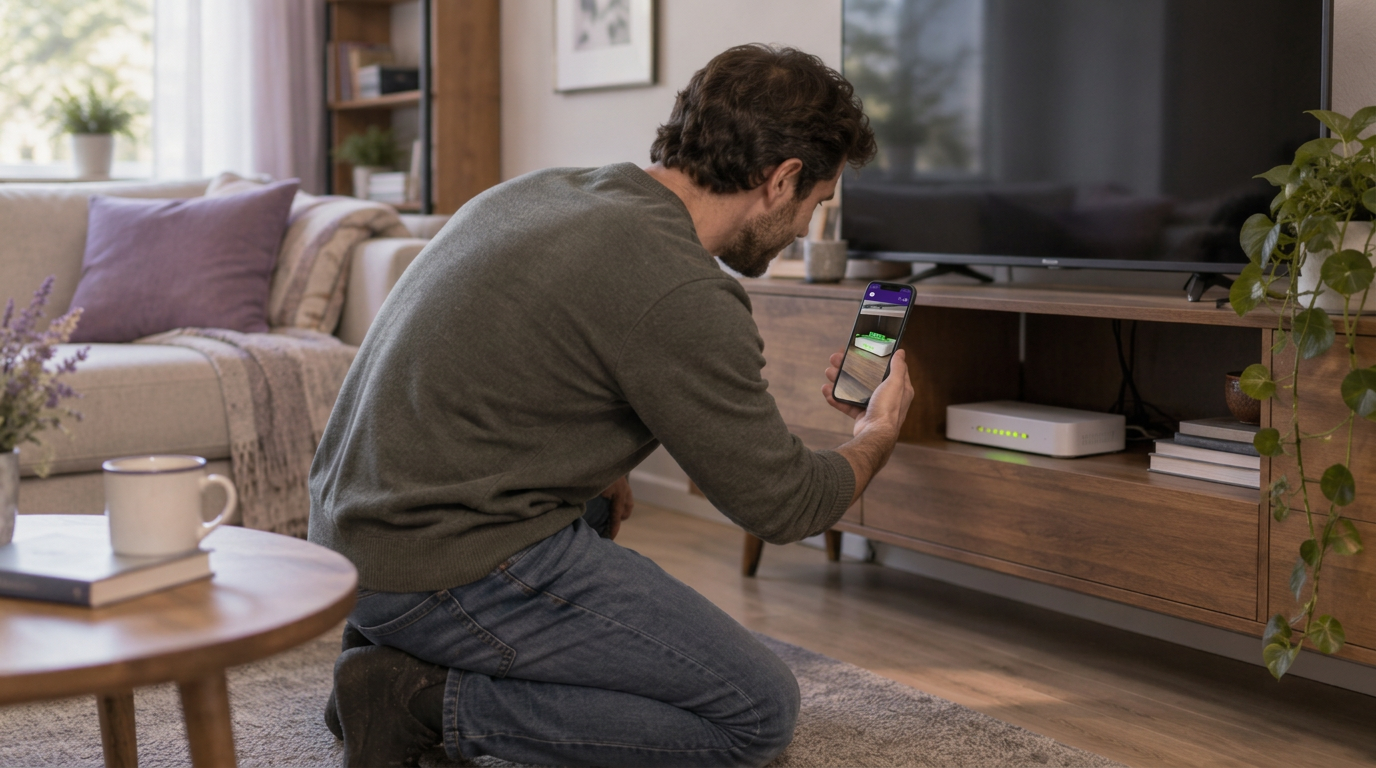
The advisor offers sight during the call. The customer receives an SMS, opens the link and their camera starts in the browser. The voice never stops.
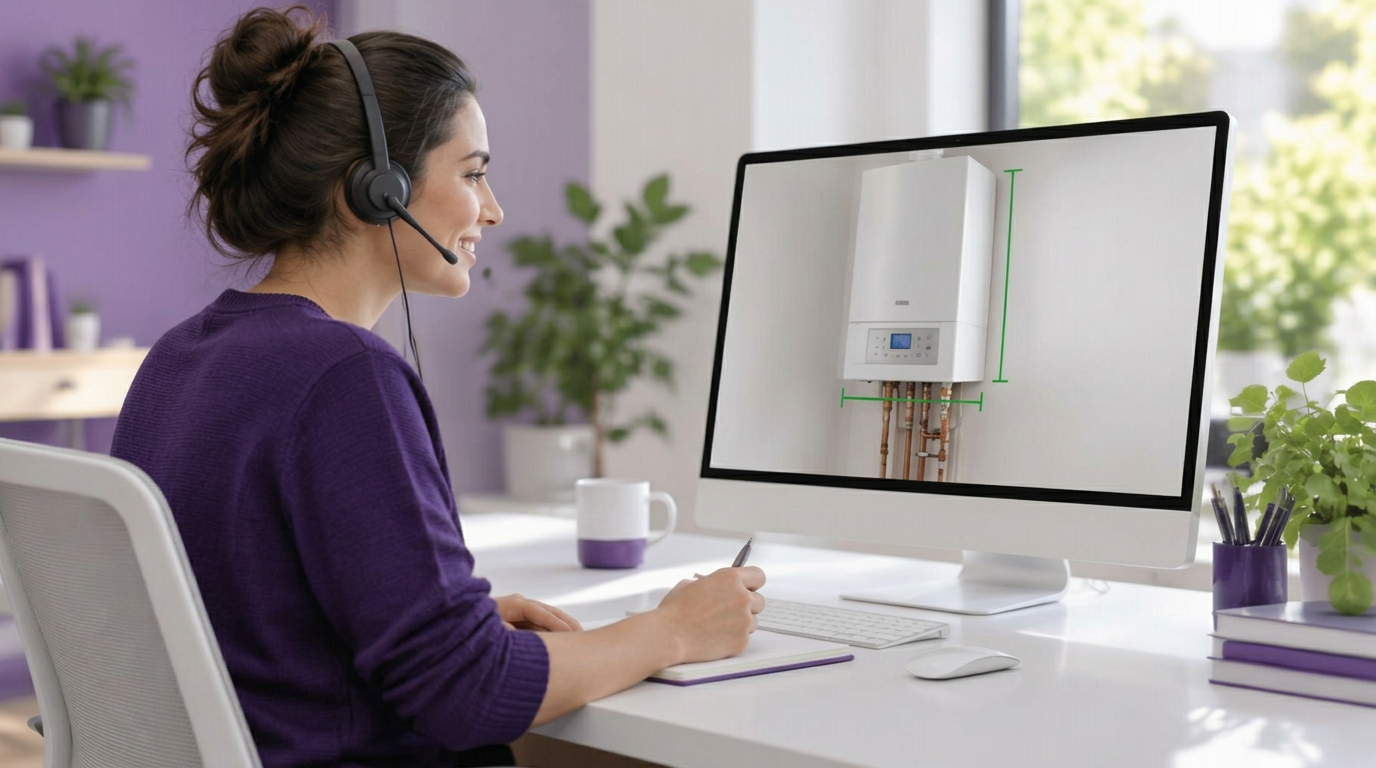
From there the advisor can see what the customer shows, annotate the image live, take a high-definition photo for the case file, measure remotely and push content to the screen: an offer, a simulator, a diagram, a document to sign. The customer installed nothing and does not show themselves: what is filmed is the product, the fault or the document.
The same mechanism serves three uses: support, where it avoids site visits and resolves on the first call; telesales, where it turns a description into a demonstration; and voice AI agents, which gain the sight they lack to decide without guessing.
Questions to ask during your shortlist
- What exactly must the customer do between the advisor's offer and the first image?
- Is the ongoing call interrupted at any point?
- How many advisors can I equip at no extra cost, and what happens if I double that?
- Is selling by phone covered by the same contract, or is it another project?
- Can I connect sight to the voice agent I already have, or must I adopt yours?
- Where is data hosted, with which subprocessors, and which certifications truly cover that scope?
- Which indicators are reported, and how often?
Method
Each comparison relies on information published by the vendors themselves and reviewed in 2026: product pages, trust centres and official pricing pages. When a certification, a data location or a price is not public, we write that explicitly rather than infer or estimate it. Offers evolve: always confirm with the vendor at the time of your own review.
In short
There is no best offer in the abstract, only a fit between a problem and a scope. If your issue is customer autonomy on a technical product, look at self-service automation. If you equip technicians in workshops or plants, look at field offers. If you want your advisors to see what the customer has in front of them during the call, to fix and to sell, that is precisely Vizalia's scope.